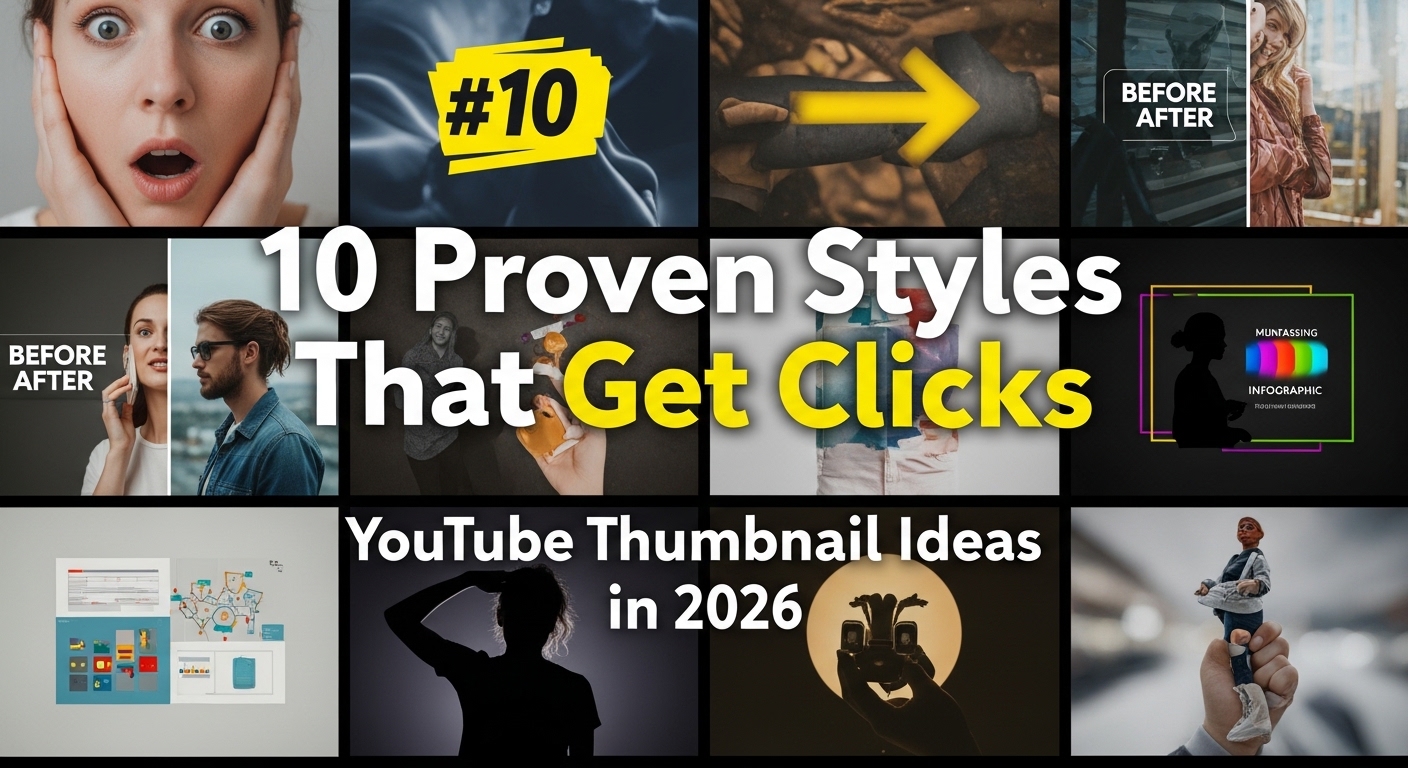
A thumbnail has a simple job: help a potential viewer understand what a video is about and decide whether it is relevant enough to consider watching.
That does not mean there is a universal color, facial expression, layout, or text formula that guarantees clicks.
A stronger thumbnail workflow is:
develop a clear concept → create the actual image → check it at small size → publish → measure audience response → test alternatives when useful.
AI can help with the first step, but an idea generator is not the same thing as an image editor or YouTube analytics.
Start With the Video, Not a Formula
A thumbnail should accurately represent the video.
Before thinking about colors or text, identify the main visual idea.
Ask:
- What is the viewer going to learn, see, or experience?
- What single subject best represents that?
- What would be misleading?
- What information is already communicated by the video title?
A thumbnail does not need to repeat every word in the title.
The title and image can work together.
Create a Clear Focal Point
Thumbnails are often viewed at relatively small sizes.
A composition containing many unrelated objects, long sentences, tiny labels, and several competing focal points can become difficult to understand.
Try identifying one primary visual element first.
For a bicycle-gearing tutorial, for example, one concept might focus on a close-up of the gear mechanism.
Another might use a simple visual contrast between a difficult climb and an easier gear selection.
Those are editorial examples, not proven high-CTR templates.
The right concept depends on the actual video and its audience.
Use Text When It Adds Information
Thumbnail text can be useful when it contributes something that the image and video title do not communicate clearly.
Keep it readable at the size viewers are likely to encounter.
A phrase of three to five words can be a useful design starting point, but it is not a YouTube rule or guaranteed optimum.
Sometimes no thumbnail text is needed at all.
Contrast Is a Tool, Not a Guarantee
Contrast can help separate important elements.
You can create contrast through:
- light versus dark areas;
- foreground and background separation;
- size;
- spacing;
- typography;
- color.
There is no single color combination that guarantees more clicks across every channel and audience.
Choose colors that make the design understandable and that fit your content and branding.
Faces and the Rule of Thirds Are Options
Faces can be effective when a person’s reaction or identity is genuinely relevant to the video.
They are not mandatory.
Likewise, the rule of thirds can be a useful composition technique, but it is not a ranking factor or guaranteed click strategy.
Treat design techniques as options to test rather than universal formulas.
Keep the Thumbnail Truthful
A thumbnail can create curiosity without misrepresenting the video.
Avoid implying:
- a result that never occurs;
- a person who is not involved;
- an object or event absent from the video;
- a dramatic transformation unsupported by the content.
A click generated by misleading expectations is not necessarily a useful outcome.
The thumbnail should help the right viewer understand what they are choosing.
What the ToolsVenue Thumbnail Idea Generator Actually Does
The current ToolsVenue tool is an AI text-concept generator.
It accepts one primary input:
video title
The AI prompt requests four thumbnail concepts. Each concept can contain suggestions such as:
- concept title;
- description;
- color scheme;
- text overlay;
- visual elements.
These appear as text cards.
The tool does not currently:
- generate a thumbnail image;
- edit images;
- upload a thumbnail to YouTube;
- connect to YouTube Analytics;
- inspect competitors;
- read live trends;
- perform A/B tests;
- know your channel’s historical CTR;
- provide a Download button for an actual thumbnail image.
Use its suggestions as brainstorming material for the design stage.
Four Ideas Are Requested, Not Guaranteed
The prompt asks the AI for four concepts, and the application validates exactly four complete ideas before displaying them.
Each idea must contain a nonempty title, description, color scheme, text overlay, and visual-elements field.
Blank, malformed, incomplete, or duplicate-field responses show a retry error rather than fabricated fallback ideas.
Four is the validated structure of a successful result; a usable AI response is not guaranteed.
AI Does Not Know Your Full Channel Context
The current tool receives the title you enter.
It does not have dedicated fields for:
- audience;
- channel history;
- brand assets;
- existing thumbnail performance;
- competitors;
- video contents;
- live YouTube trends.
An idea can therefore sound convincing while still being inappropriate for your audience or inaccurate for the video.
Review every concept before designing it.
Privacy and AI Processing
The title entered into the tool is sent through:
browser → ToolsVenue WordPress server → OpenRouter → potentially an underlying model provider
The inspected tool does not implement saved idea history.
That does not mean infrastructure or providers necessarily retain nothing.
If a video title contains confidential information about an unreleased project, consider whether you are comfortable sending it for third-party AI processing before submitting it.
Turn an Idea Into an Actual Thumbnail
After choosing a concept:
- Create the image in an appropriate image editor.
- Use images, fonts, logos, and other assets you have permission to use.
- Check the design at a small display size.
- Make sure important text remains readable.
- Check that the image accurately represents the video.
- Export according to current YouTube requirements.
- Upload it through YouTube rather than expecting the ToolsVenue idea generator to create or upload the image.
If you already have an image but need different pixel dimensions, the ToolsVenue Image Resizer is a separate tool.
Check Current YouTube Thumbnail Requirements
Thumbnail specifications can change and can differ by video type or upload context.
Do not rely indefinitely on an old table copied into an article.
As of the research performed for this article in October 2026, YouTube’s current official custom-thumbnail documentation provides different guidance for standard videos, Shorts, podcasts, and some upload contexts.
For example, current guidance recommends high-resolution images and distinguishes standard-video 16:9 presentation from Shorts and podcast artwork.
Before exporting an important thumbnail, check YouTube’s current official custom-thumbnail documentation for dimensions, file-size limits, supported formats, and account eligibility.
Measure Results Instead of Promising Them
A visually attractive thumbnail does not guarantee a high click-through rate.
Performance depends on factors such as:
- where the impression appeared;
- audience relevance;
- the video topic;
- title;
- competing content;
- viewer familiarity with the channel;
- recommendation context.
YouTube provides impression and watch-time analytics that can help creators understand how viewers respond.
Eligible creators can also use YouTube’s own title and thumbnail testing features where available.
Those are YouTube capabilities, not features of the ToolsVenue idea generator.
CTR Is Only Part of the Picture
A thumbnail can influence whether someone considers clicking, but maximizing clicks in isolation is not a complete content strategy.
If a thumbnail creates an expectation the video does not satisfy, a higher click rate may not represent a better viewer experience.
Evaluate thumbnail performance together with the broader behavior and goals of the video.
Frequently Asked Questions
Does the ToolsVenue generator create thumbnail images?
No. The current tool generates textual thumbnail concepts rather than bitmap images.
Does it always generate exactly four ideas?
Four complete concepts are required for display. If the AI response fails validation, the tool shows a retry error instead of inventing missing ideas.
Does it use live YouTube trends?
No live YouTube trend or analytics connection was found in the inspected implementation.
Does it know my channel’s CTR?
No. The current tool does not connect to your channel analytics.
Will the ideas improve my CTR?
They may provide brainstorming options, but no CTR improvement is guaranteed. Create the image, publish it, and evaluate real audience data.
Can I download a generated thumbnail?
The tool does not generate the image itself, so there is no actual thumbnail-image download from this generator.
What thumbnail size should I use?
Check YouTube’s current official custom-thumbnail documentation when creating the image because specifications can change and differ by video type and upload context.
Final Rule
Use AI for ideas, design tools for images, and real YouTube data for evaluation.
A thumbnail concept is a hypothesis—not a guaranteed click formula.
Leave a Comment