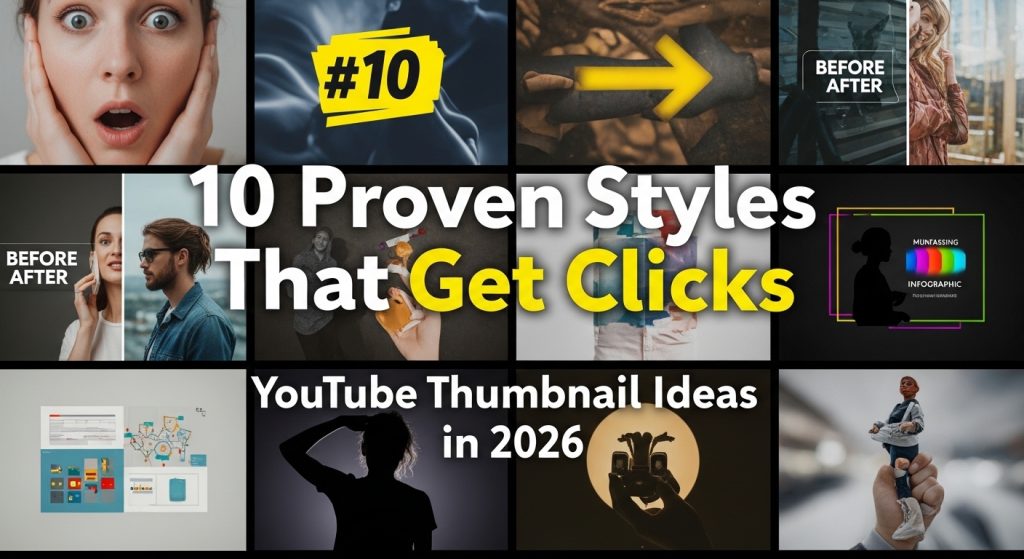
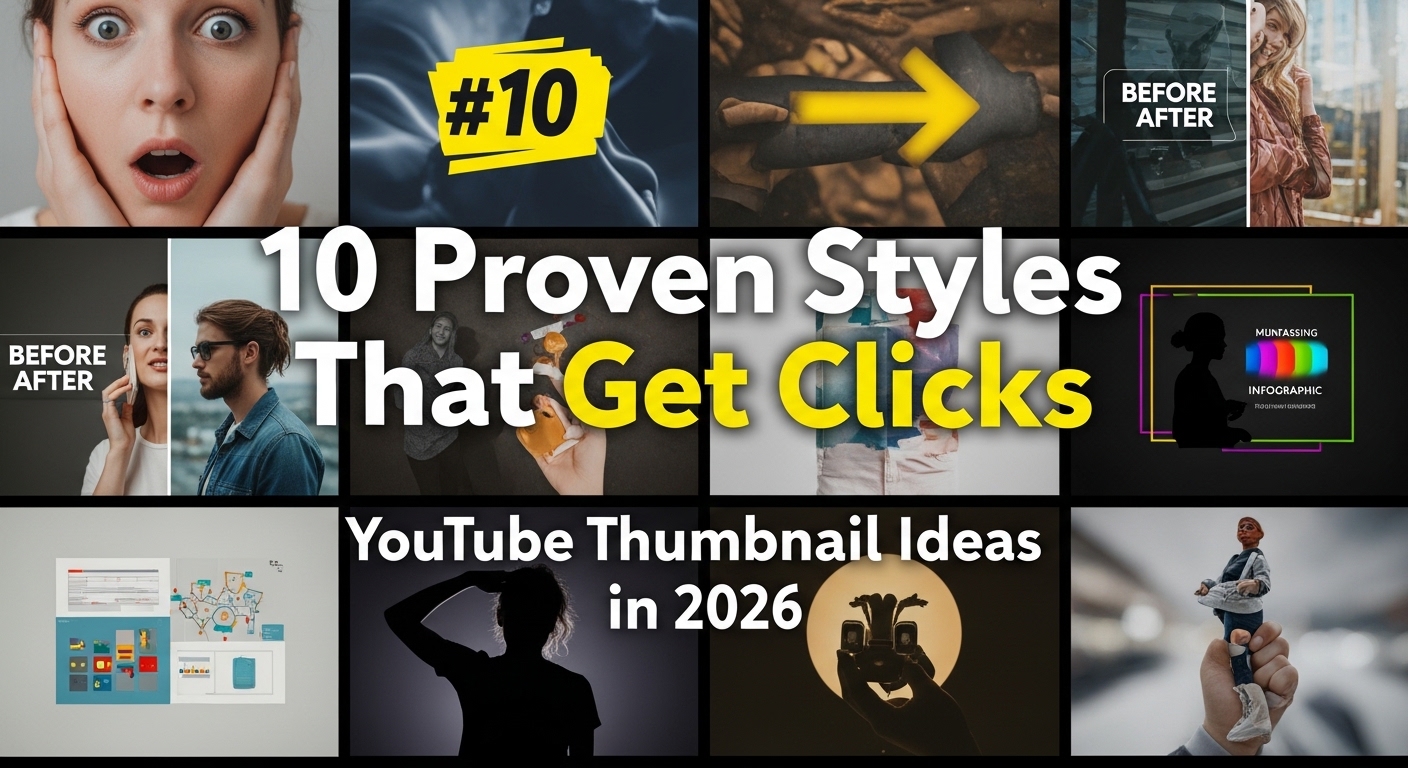
Complete Guide Free Tool Best YouTube Thumbnail Ideas — Design Clickable Thumbnails That Get Views Your YouTube thumbnail is the first thing a viewer sees. It is the single frame that determines whether someone clicks your video or scrolls past it. In fact, YouTube itself has stated that 90% of top-performing videos use custom thumbnails. In this guide, you will discover the best YouTube thumbnail ideas, proven design principles, and how to use our free YouTube thumbnail generator to create professional thumbnails — even if you have zero design experience. 01 — Why It Matters Why Your Thumbnail Is Your Most Important YouTube Asset Think of your thumbnail as a billboard for your video. It competes for attention on a page filled with dozens of other thumbnails. Great thumbnails do three things simultaneously: 🛑 Stop the Scroll They stand out visually against competing thumbnails. 🎯 Signal the Topic They tell viewers instantly what the video is about. 🤔 Create Curiosity They leave just enough unsaid to make clicking irresistible. Even the best video will underperform if the thumbnail fails to attract clicks. Your click-through rate (CTR) directly impacts how YouTube’s algorithm distributes your video — meaning your thumbnail affects your entire channel’s growth. Our Thumbnail Idea Generator in the YouTube & Social Media Tools section brainstorms concepts for eye-catching thumbnails. Use it to generate ideas before you design. 02 — Ideas by Content Type The Best YouTube Thumbnail Ideas by Content Type 1 Tutorial and How-To Videos Show the before and after. A split image showing a problem on the left and the solution on the right is one of the highest-converting formats. Add bold text like ‘5 Minutes’ or ‘Easy Fix’ to emphasize accessibility. 2 Reaction and Commentary Videos Your face sells the emotion. An exaggerated expression — surprise, disbelief, excitement — immediately communicates the tone. Pair it with a short headline like ‘I Was Wrong About This’ or ‘Nobody Talks About This.’ 3 Listicle and Ranking Videos Use a numbered format with a bold number dominating the left side. ‘Top 10’ and ‘Best 5’ thumbnails perform well because viewers know exactly what they are getting — a structured, digestible video. 4 Challenge and Experiment Videos Show the result, not the process. If you ate one food for 30 days, show your face next to a dramatic result stat. If you tried a business challenge, show the revenue figure. Numbers drive curiosity. 5 Educational and Explainer Videos Use clean backgrounds with a single central image or diagram. Minimalist designs with a bold question work especially well — for example, a question mark over a relevant visual element. 03 — Design Tips YouTube Thumbnail Design Tips That Actually Work 01 Use High Contrast Colors Dark backgrounds with bright text naturally draw the eye. Red, yellow, and bright blue consistently outperform muted tones. 02 Keep Text Short and Bold Three to five words maximum. Use thick, bold fonts with a black outline or drop shadow so text is readable at any size. 03 Show Faces and Emotions Thumbnails with a human face showing clear emotion consistently outperform faceless thumbnails across almost every content category. 04 Use the Rule of Thirds Divide your thumbnail into a 3×3 grid. Place your most important element at one of the four intersection points for a naturally appealing composition. 05 Be Consistent with Your Brand Use the same color palette, font, and layout style across all your thumbnails. Consistency builds trust and channel identity. 04 — Step-by-Step How to Create Clickable Thumbnails Using Our Generator 1 Go to the YouTube & Social Media Tools section on our website. 2 Click on Thumbnail Idea Generator. 3 Enter your video topic or title. 4 Browse the AI-generated thumbnail concept suggestions. 5 Select a concept that matches your video’s energy and topic. 6 Use the concept to guide your design in any image editor. 05 — Key Traits What Makes Clickable YouTube Thumbnails? Based on analysis of high-performing YouTube channels across different niches, the most clickable thumbnails share these traits: → Clear Focal Point One dominant element draws the eye immediately. → Emotional Hook A face, number, or visual tension that creates curiosity. → Short Headline Text Three to five words that complement — not repeat — the video title. → Color Contrast The thumbnail pops against YouTube’s background colors. → Brand Consistency Regular viewers recognize the creator’s style immediately. 06 — Mistakes to Avoid Common Thumbnail Mistakes to Avoid ✕ Cluttered design: Too many elements compete for attention and none wins. ✕ Too much text: Long sentences are unreadable on small screens. ✕ Clickbait mismatch: If the thumbnail promises something the video doesn’t deliver, watch time crashes. ✕ Low-resolution images: Blurry thumbnails look unprofessional and reduce trust. ✕ Copying other creators exactly: Inspiration is fine, but differentiation is necessary. 07 — Specs YouTube Thumbnail Dimensions and Specs Always create your thumbnails to YouTube’s recommended specifications: Spec Requirement Resolution 1280 × 720 pixels (minimum) Aspect Ratio 16:9 Max File Size 2 MB Formats JPG, PNG, GIF, BMP, WebP Ideal 1920 × 1080 pixels 08 — FAQ Frequently Asked Questions What are the best thumbnail ideas for YouTube? Before-and-after splits, expressive face + bold headline, large numbers for list videos, and high-contrast minimal designs for educational content. How do I make a YouTube thumbnail for free? Use our Thumbnail Idea Generator to create concepts, then design in a free tool like Canva or Photopea using the generated ideas. What size should a YouTube thumbnail be? 1280 × 720 pixels minimum, 1920 × 1080 recommended. Always 16:9 aspect ratio. Do thumbnails really affect YouTube views? Yes. YouTube’s own data shows that 90% of top-performing videos use custom thumbnails. CTR directly influences algorithmic distribution. How often should I update my thumbnails? Test new thumbnails for videos that are underperforming. YouTube allows you to swap thumbnails any time — it can revive older videos. YouTube & Social Media Tools Create thumbnails that actually get clicked. Use the Thumbnail Idea Generator to brainstorm