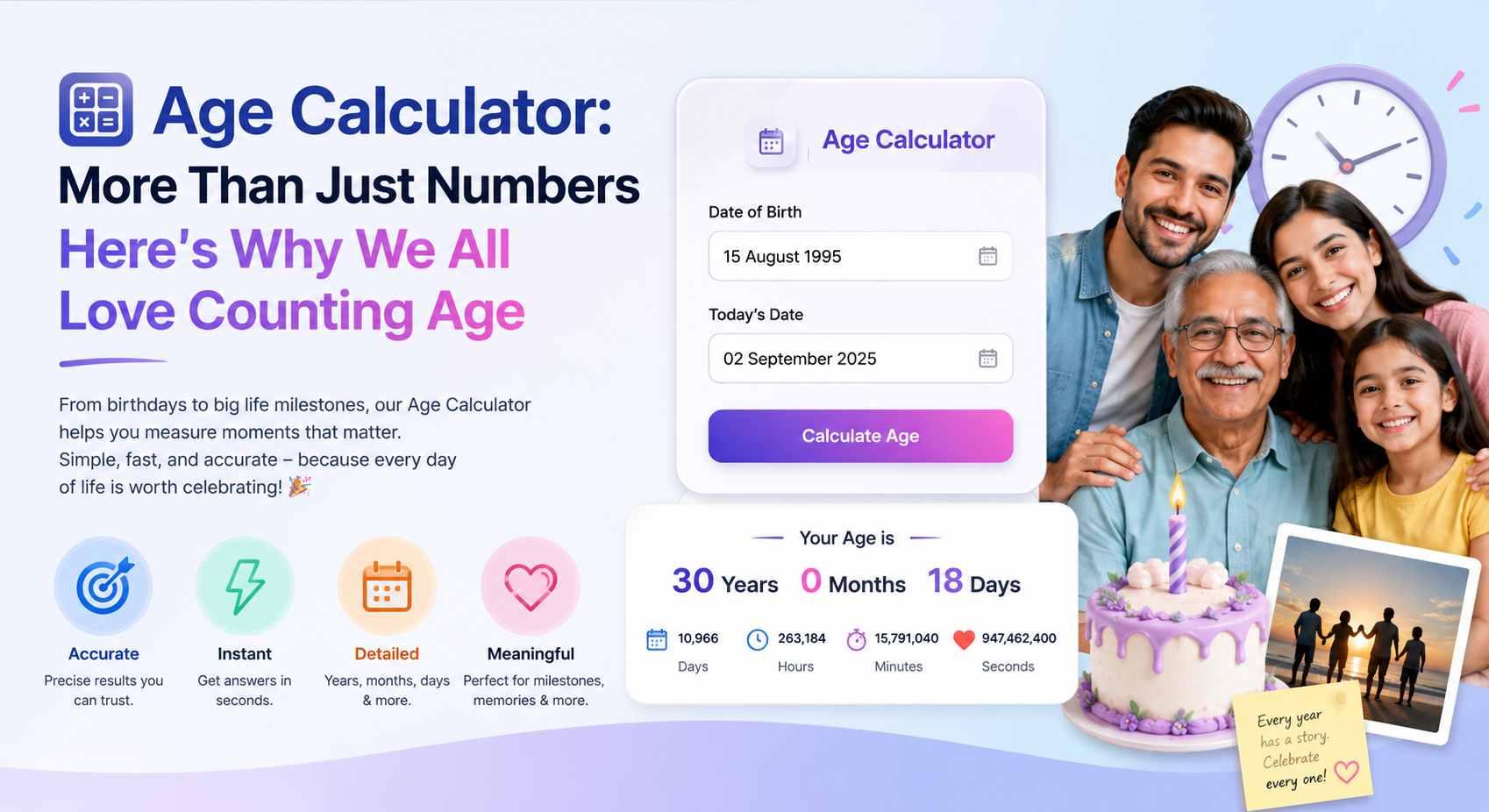
Calculating age sounds simple until months have different lengths, birthdays have not occurred yet this year, or a date falls on February 29.
That is why a useful age calculator needs more than:
current year − birth year
It needs a clearly defined way to compare calendar dates.
Even then, different date-handling conventions can produce different results around time zones, leap days, and month boundaries.
Completed Age vs. Elapsed Time
Suppose someone’s birth date is October 7, 1990 and the reference date is October 7, 2026.
Their completed calendar age is:
36 years, 0 months, 0 days
The tested ToolsVenue implementation also calculates the elapsed date interval as 13,149 days for that example.
These are two different ways of describing time.
Calendar age answers questions such as:
How many complete years, months, and days have passed?
Elapsed totals answer questions such as:
How many date-based days or weeks separate these dates?
Neither requires a birth time in the current tool.
Why Subtracting Years Is Not Enough
Consider someone born October 8, 1990.
On October 7, 2026, simply calculating:
2026 − 1990 = 36
would be misleading because their 2026 birthday has not happened yet.
Their completed age is still 35 years.
A calendar calculation therefore needs to consider the month and day as well as the year.
Months Make Age Calculations Harder
Months do not all contain the same number of days.
This creates edge cases such as:
- January 31 → February 28;
- January 31 → March 1;
- February 29 → a non-leap year.
There is no safe reason to assume that every “one month” interval has the same number of days.
Software also needs an explicit borrowing or rollover convention when calculating year/month/day components.
An End-of-Month Convention
The ToolsVenue calculation uses a month-end clamping convention for calendar anniversaries.
For:
Date of birth: January 31, 2025
Reference date: March 1, 2025
the calendar calculation returns:
0 years, 1 month, 1 day
while the elapsed-day result is 29 days.
The completed month ends on February 28, followed by one additional calendar day.
The calculator clamps anniversaries to the last valid day of the target month and counts the remaining days from that anniversary. Important calculations should still be independently verified.
Leap-Day Birthdays
February 29 creates another special case.
Under this convention, a February 29, 2000 birth date compared with February 28, 2025 produces:
25 years, 0 months, 0 days
The calculator uses February 28 for that birthday anniversary in a non-leap year, including milestone and next-birthday dates.
That is the calculator’s general calendar convention. It should not be treated as a universal legal rule for leap-day birthdays.
Different jurisdictions or organizations may apply their own rules when age determines legal eligibility.
What the ToolsVenue Age Calculator Uses
The current tool has two primary date inputs:
- Date of Birth
- As Of date
The As Of field allows calculations against a reference date rather than forcing every calculation to use today.
The tool also includes Today, Calculate, Clear, and historical birthday preset controls.
The current results can include:
- years, months, and days;
- completed months;
- weeks;
- total days;
- derived hours and minutes;
- weekday of birth;
- milestone dates;
- Western zodiac;
- simplified Chinese zodiac;
- next-birthday information.
The tool does not currently ask for:
- birth time;
- a user-selected time zone;
- a second person’s date of birth;
- animal species for pet-age conversion;
- legal jurisdiction.
Hours and Minutes Do Not Mean Birth-Time Precision
The tool can display total hours and minutes, but these are derived from the date interval.
There is no birth-time input.
So a result such as total hours should not be interpreted as a precise measurement of someone’s life duration from their actual time of birth.
Time Zones Matter
The calculator treats entered dates as calendar dates, without shifting them across time zones.
The same entered dates produce the same calendar components, weekday labels, and birthday dates across time zones.
Elapsed totals use whole calendar days; hours and minutes are derived as 24 hours and 1,440 minutes per day.
The Today default uses the browser’s local calendar date, which can differ from the UTC date near midnight.
This date-only convention does not measure elapsed time from an actual birth timestamp.
Birthday-Today Behavior
When the reference date is exactly the birthday anniversary, the next-birthday result shows that date with zero days away.
The following year is selected only when this year’s anniversary is earlier than the reference date.
Future Dates
If the entered date of birth is later than the selected reference date, the current tool rejects the calculation instead of returning a negative age.
That is appropriate for its intended birth-date workflow.
Zodiac and Milestones
The calculator displays Western zodiac information and a simplified Chinese-zodiac label based on birth year.
These should be treated as informational or entertainment features.
Likewise, milestone labels should not be interpreted as legal, medical, school, or retirement eligibility decisions.
The calculator does not know your jurisdiction or personal circumstances.
What the Calculator Does Not Do
The current implementation does not provide:
- pet-to-human age conversion;
- a dedicated two-person age comparison;
- birthstone or birth-flower calculation;
- birth-time calculations;
- automatic half-birthday scheduling;
- legal eligibility verification;
- medical-age assessment.
These can be separate concepts, but they should not be presented as features of this calculator.
Privacy and Processing
The inspected age calculation is performed by browser-side JavaScript.
The date calculation itself does not contain an AJAX or third-party API submission of the entered dates, and the tool does not implement a saved date history.
That statement applies to the calculator operation, not every request made by the webpage as a whole.
When to Verify a Result Independently
An age calculator can be useful for:
- informal birthday planning;
- historical date comparisons;
- understanding elapsed days;
- checking approximate calendar intervals.
For legal, medical, school, immigration, insurance, retirement, or other official decisions, use the rules and authoritative sources that apply to the relevant jurisdiction or organization.
Do not rely on a general-purpose calculator as proof of eligibility.
Frequently Asked Questions
Can I enter my exact birth time?
No. The current calculator uses dates rather than birth timestamps.
Can I calculate age on a historical date?
Yes. The As Of field can be set to an appropriate reference date after the entered birth date.
What happens with February 29 birthdays?
The calculator uses February 28 as the anniversary in non-leap years. That is its general calendar convention, not a universal legal rule.
How are end-of-month dates handled?
Anniversaries clamp to the last valid day of the target month, then remaining days are counted from that date. The calendar components stay nonnegative for a valid birth date on or before the reference date.
Does the calculator handle my timezone?
There is no user-selectable timezone field. Entered dates use deterministic calendar-date calculations; Today uses the browser’s local date. There is no birth-time precision.
Can it compare two people’s ages?
There is no dedicated two-person comparison mode. The interface accepts one birth date and one reference date.
Can it calculate pet age?
No species-based pet-age conversion is implemented.
Can I use the result to prove legal eligibility?
No. Use the official rules and authoritative sources applicable to the relevant jurisdiction.
Final Rule
Age calculations depend on both the dates and the convention used to interpret them.
For ordinary use, a date calculator can save time. For edge cases and official decisions, verify the result independently.
Leave a Comment