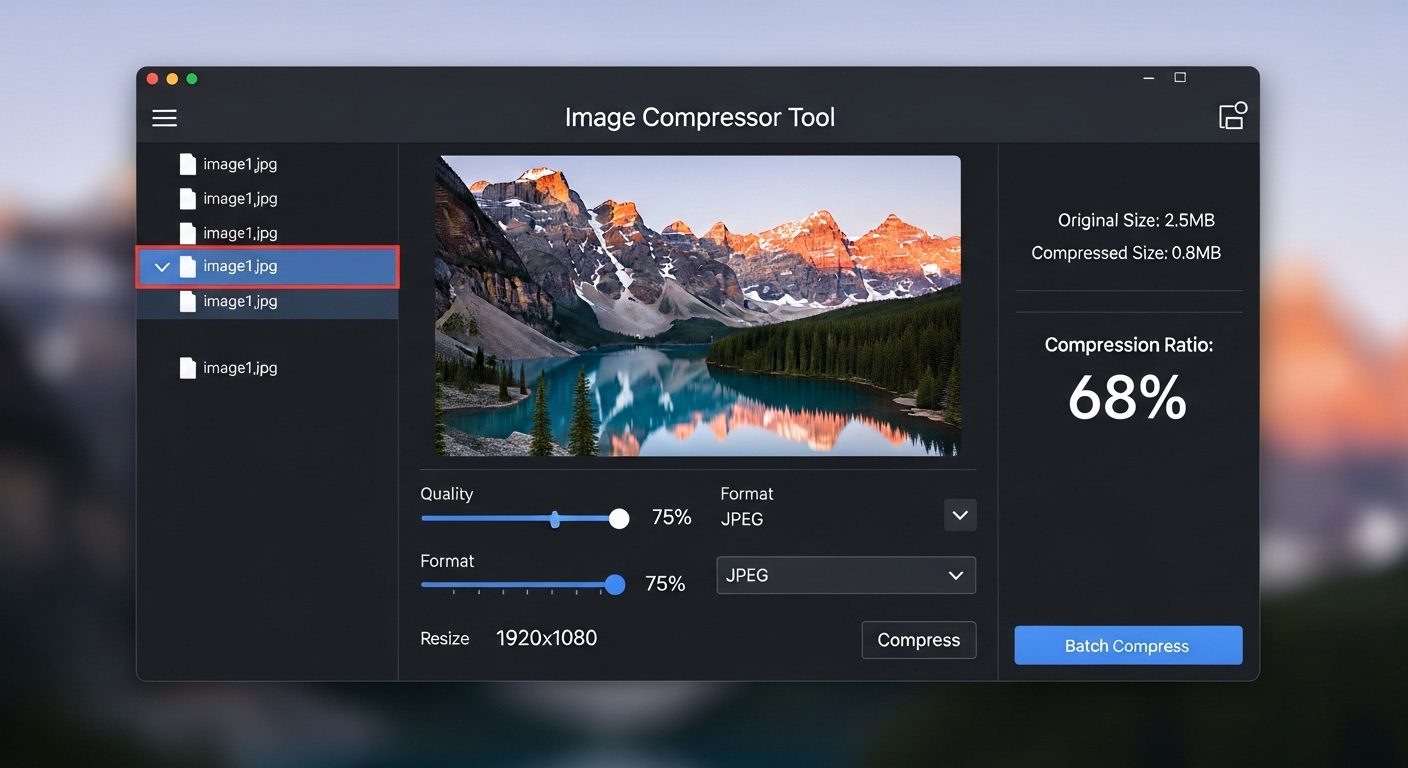
Large image files are one of the biggest culprits behind slow websites, rejected email attachments, and bloated storage. The good news? You can compress images online free in seconds no software installation, no technical skills, no cost.
In this guide, you will learn exactly how to reduce image size while preserving quality, which formats benefit most from compression, and how to use our free online image optimizer tool to its fullest.
01 Definition
What Is an Image Compressor Online Free Tool?
An image compressor online free tool is a web-based utility that reduces the file size of your images without requiring you to install anything. You upload your image, the tool compresses it, and you download the smaller version often in seconds.
Our Image Compressor, found in the Image & Media Tools section, compresses JPEG, PNG, and WebP images directly in your browser.
Our image compressor processes files client-side where possible, meaning your images are not uploaded to a server and your privacy is protected.
02 Benefits
Why Should You Compress Images?
Here is why using a reduce image size tool matters more than most people realize:
Faster Website Load Times
Google ranks faster pages higher. Large images are the number one cause of slow load speeds.
Better User Experience
Visitors abandon pages that take more than 3 seconds to load. Compressed images fix this.
Lower Storage Costs
Whether on shared hosting or cloud storage, smaller files mean lower bills.
Easier Sharing
Email attachments have size limits. Compressed images fit through without hassle.
Improved Core Web Vitals
Google’s page experience metrics heavily weight image performance.
03 Formats
JPEG, PNG, and WebP Which Format Should You Use?
Our JPEG PNG WebP compressor handles all three formats seamlessly.
Best for photographs and images with gradients. Some data is discarded but the quality loss is usually invisible to the human eye.
Ideal for logos, icons, screenshots, and images with transparency. PNG never loses image data file sizes are larger than JPEG but quality is preserved perfectly.
A modern format developed by Google offering superior compression over both JPEG and PNG. Most modern browsers fully support WebP. If you are not using it yet, now is the time.
04 Techniques
How to Compress Images Without Losing Quality
Modern compression algorithms make quality-free reduction largely achievable:
Lossless Compression for PNG
Removes metadata and optimises pixel data without changing any visible detail.
Smart Lossy Compression for JPEG
Reduces file size by compressing areas the human eye is less sensitive to.
Convert to WebP
Often produces smaller files than JPEG or PNG at the same visual quality.
Strip Metadata
EXIF data embedded by cameras can add significant file size with no visual benefit.
Resize Before Compressing
If an image is larger than it needs to be displayed, resizing it first multiplies the savings.
05 Step-by-Step
How to Use Our Online Image Optimizer Tool
-
1
Go to the Image & Media Tools section of our website.
-
2
Click on Image Compressor.
-
3
Upload your JPEG, PNG, or WebP image.
-
4
Adjust the compression level using the quality slider if available.
-
5
Click Compress.
-
6
Download your optimized image.
You can compress multiple images in one session. Each one is processed independently so you can compare results side by side.
06 Results
How Much Can You Reduce Image Size?
Results depend on the original file and format, but typical results with our JPEG PNG WebP compressor are:
| Format | Typical Size Reduction | Quality Impact |
|---|---|---|
| JPEG | 50 80% | Minimal (lossy) |
| PNG | 20 50% | None (lossless) |
| WebP | 25 35% vs JPEG | Minimal |
07 FAQ
Frequently Asked Questions
Can I compress images without losing quality?
Yes, for PNG using lossless compression. For JPEG and WebP, smart compression keeps quality loss imperceptible at most settings.
Is the image compressor online free?
Yes. Our Image Compressor is completely free with no account or download required.
Does it support WebP?
Yes. Our JPEG PNG WebP compressor handles all three major web image formats.
Is my image data private?
Yes. Where possible, images are processed in your browser and not uploaded to external servers.
Can I resize and compress at the same time?
Our Image Resizer tool in the same section handles resizing. Use both together for maximum file size reduction.
Image & Media Tools
Optimize your images for free.
Try our Image Compressor right now and see how much you can save no account needed.
Open Image Compressor →
Leave a Comment